Firmware update
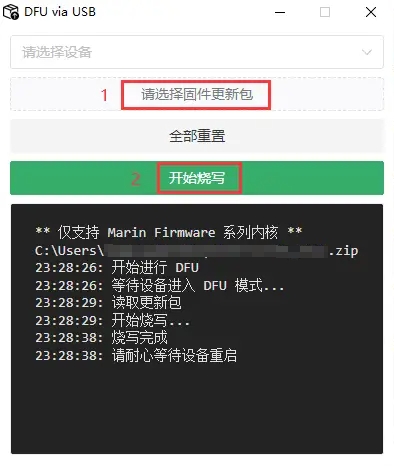
We built dedicated flashing tools for keyboards running Marin Firmware.
Updating over USB
Download Toolbox-DFU 0.0.1.exe
Things to know
Please note the following before using the tool:
- The update package does not need to be unpacked.
- Never disconnect the keyboard from the computer while flashing, or the device may be bricked.
- The tool currently only supports Windows 10/11. macOS users need to use a virtual machine or a Windows computer for now.
- If flashing fails, for example because the wrong package was selected, cut the power to the keyboard and start over.
Steps
- Open the flashing tool Toolbox-DFU 0.0.1.exe
- Select the update package
- Click start
- Wait for flashing to finish; the device restarts automatically
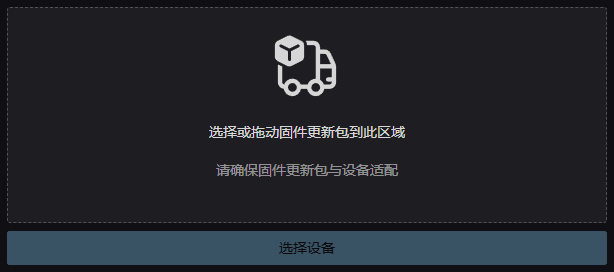
Updating over Bluetooth (OTA)
TIP
This feature is still in trial
OTA runs in the browser and supports Windows, macOS and Linux.
Steps
- Select the update package (no need to unpack it)
- Select the device and put it into DFU mode
- Select the device in DFU mode again, then start the update
- Wait for the update to finish; the device restarts automatically